Viruses in the computer are pretty common, but do you know that your smartphone can also be infected ? Yes, the smartphone can be infected through these five major activities, according to several security reports: 1) Opening links or attachments in emails or text messages by an anonymous person or your known ones as well. 2) Opening ads that will take you to an unsecured website or download malware-infected applications. 3) Visiting a doubtful website while ignoring browser warning. 4) Downloading unverified applications from the web from unofficial sources. 5) Connecting to an unknown networks like public Wi-Fi.
4 signs of virus inside your smartphoneIf your smartphone has been infected with a virus, some weird actions will start to happen in your smartphone such as:
Also read: Android virus Daam will steal all your personal data: How to stay safe
1) You will start seeing pop-up ads on your smartphone very often. However, it is possible that you have some application which pops ads. But if the number of ads is increased a lot, then it could be the virus. 2) The smartphone will get heated up, work slower and drain the battery at an increased rate, because secret background activity by infected malware. So it continues working with malware installed inside it, which leads to overheating, slow performance and quick battery drainage. 3) Your contacts might receive random messages from yourself. That means the malware has access to your contacts, so in that situation you should alert them to stop the spread of malware messages. 4) Exhausting your data at an unprecedented rate. It can happen when the malware is running background operations to steal your data using the internet.
How to check and remove virus from your smartphone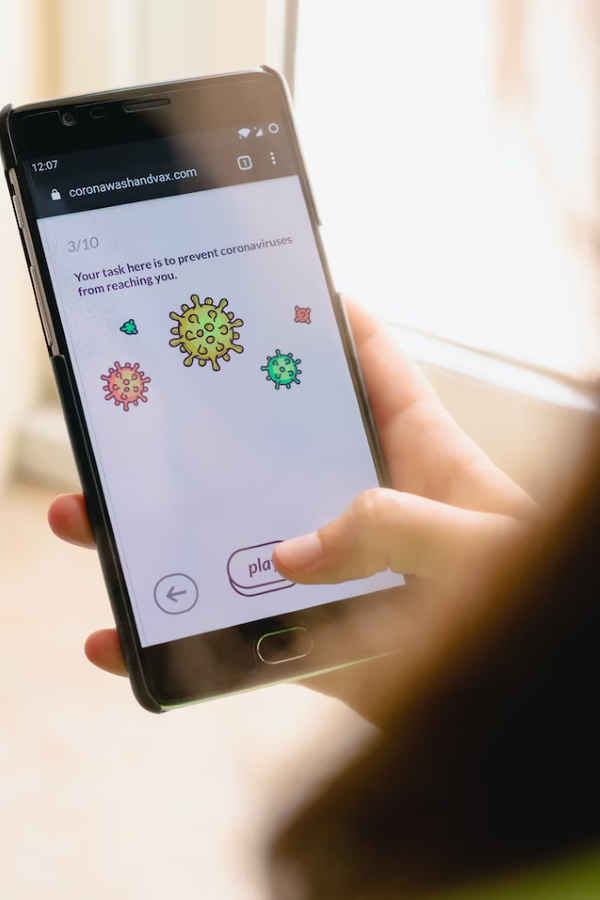
A straightforward method to find the virus inside your smartphone is by downloading an antivirus application. The antivirus applications conduct frequent threat scans and stop them in real-time. Furthermore, it stops the attachment of suspicious apps to your device and protects it from any public network connections.
Also read: Indian govt announces free tools to remove malware from your PC and mobile
Here’s how you can remove virus or malware from your smartphone after finding them using antivirus... 1) First and foremost, the antivirus applications will spot the virus inside your smartphone and also tell you how to remove them. 2) Uninstall all the suspicious apps from your library. 3) If the virus has spread in too many parts of your smartphone then unfortunately you may have to reset your device to factory settings by wiping all data and starting from scratch.
from Mobile Phones News https://ift.tt/CTHXaJb
Comments
Post a Comment